Branch
1 min read · By Stefan Köhn
Splits the flow into named paths, each with its own condition and its own steps. This lets one automation answer several cases instead of one: documents present or missing, budget approved or not.
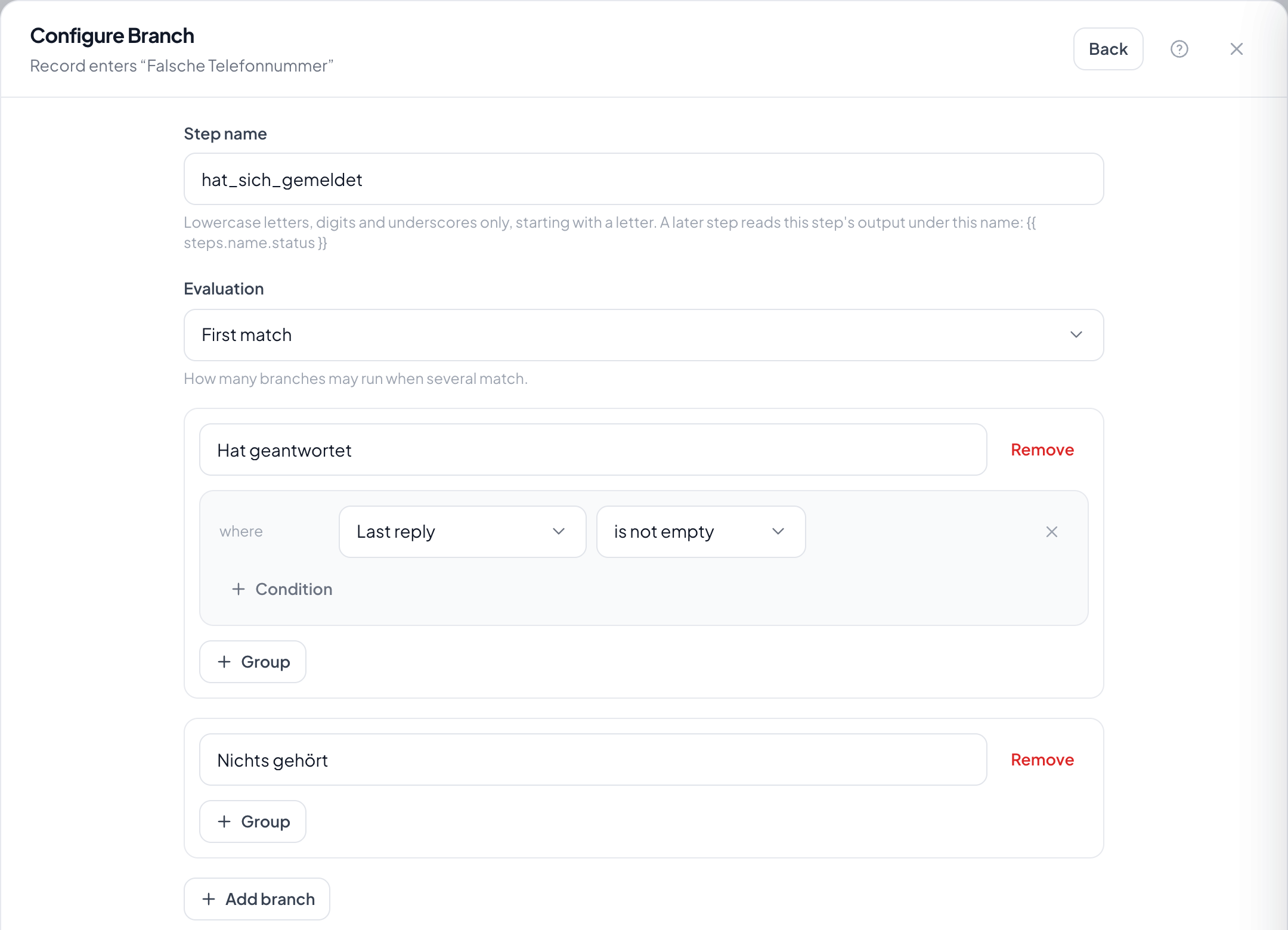
Step by step
- In the flow, choose the plus at the fork and take Branch.
- Use Add path to create one path per case, name it and set its condition.
- Leave the last path as Otherwise: it runs when no other one matches.
- Under Evaluation decide whether only the first matching path runs or all of them.
- Save, then set the steps inside each path through its own plus.
What happens when several paths match?
Evaluation decides. With First match the topmost matching path wins; with All matches every matching path carries on side by side.
What if no path matches?
Without an Otherwise path the run ends here. That is why the Otherwise path nearly always pays off: if only to leave a note.
Does the order of the paths matter?
With First match yes, they are checked top to bottom. The more specific case belongs above, otherwise the general one catches it first.
Can a path rejoin the main strand?
No. A path runs to its end, and the run is done. Whatever should happen in both cases belongs before the branch.
What are the parts called?
The step is a branch, its arms are paths. A flow means the whole way from the trigger to the end.