Add note
1 min read · By Stefan Köhn
Leaves an entry on the record, visible in the history and recognisable as written by the automation. The usual way to record what happened automatically.
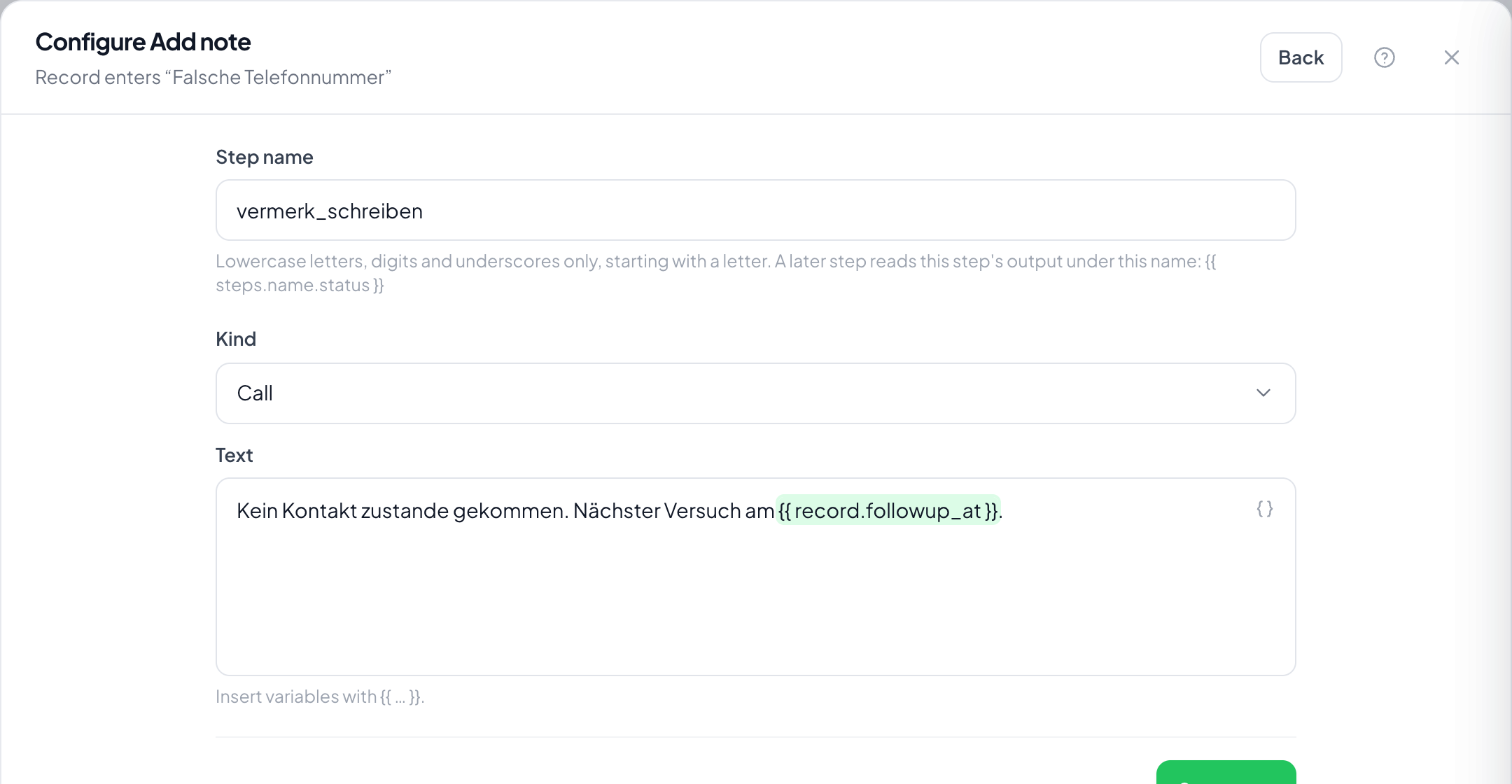
Step by step
- In the flow, choose the plus and take Add note.
- Under Text enter the content; field values can be inserted as variables.
- Save and look at the note on a test record under the Notes tab.
Can I notify someone with a mention?
No, mentions are not evaluated here. To reach somebody use Notify or Create task: otherwise delivery would hang on a spelling inside running text.
Who appears as the author?
The automation, not a person. That is deliberate: a note that looks like a colleague wrote it but came from a rule is misleading.
Does the customer see the note?
No. Notes are internal. What goes out goes through Send email.
Can I write in values from an earlier step?
Yes, through the step's name. That is why it pays to give a webhook or a calculation a meaningful name in the Step name field.