Field changed
1 min read · By Stefan Köhn
Starts when a particular field takes a new value. The trigger for everything that depends on a detail arriving later: a document handed in, a date entered, a status set.
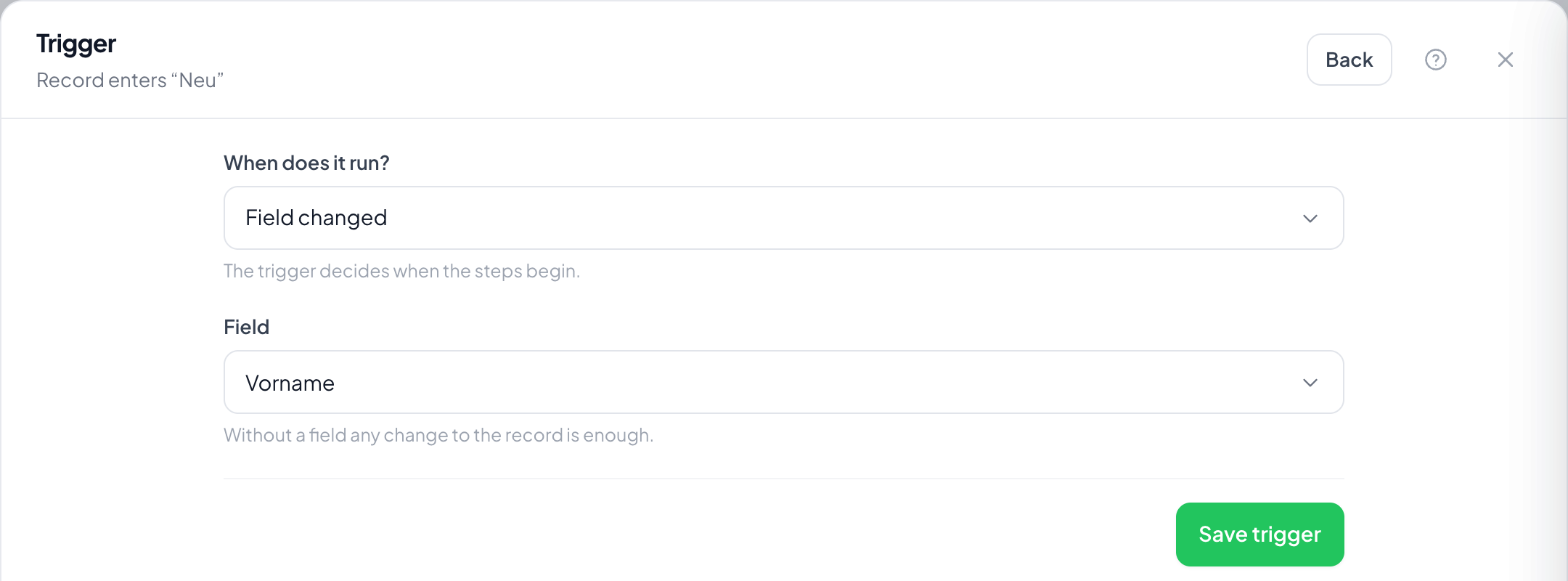
Step by step
- On the Records page open Automations through the menu at the top right, choose Create automation and take Field changed as the trigger.
- Under Field pick the field. Without a setting any change to the record is enough.
- Save the trigger.
- Usually make the first step a filter that checks the new value: the trigger only says that something changed.
- Switch it on and change the field on a record.
Does it fire when the same value is saved again?
No. What counts is the change, not the save.
How do I check what the value changed to?
With a filter as the first step. The trigger reports the change; the filter decides which value is there now.
Does it fire on changes made by an automation?
Yes. So take care when one automation sets a field another listens to: the two can trigger each other.
And on import or through the API?
Yes as well. Every change counts, wherever it comes from.
Why does it run several times on the same record?
Because the field changes several times. To prevent it, switch on Once per record.