Stage left
1 min read · By Stefan Köhn
Starts as soon as a record leaves a given stage: regardless of where it goes. The trigger for everything that should be tidied up on the way out.
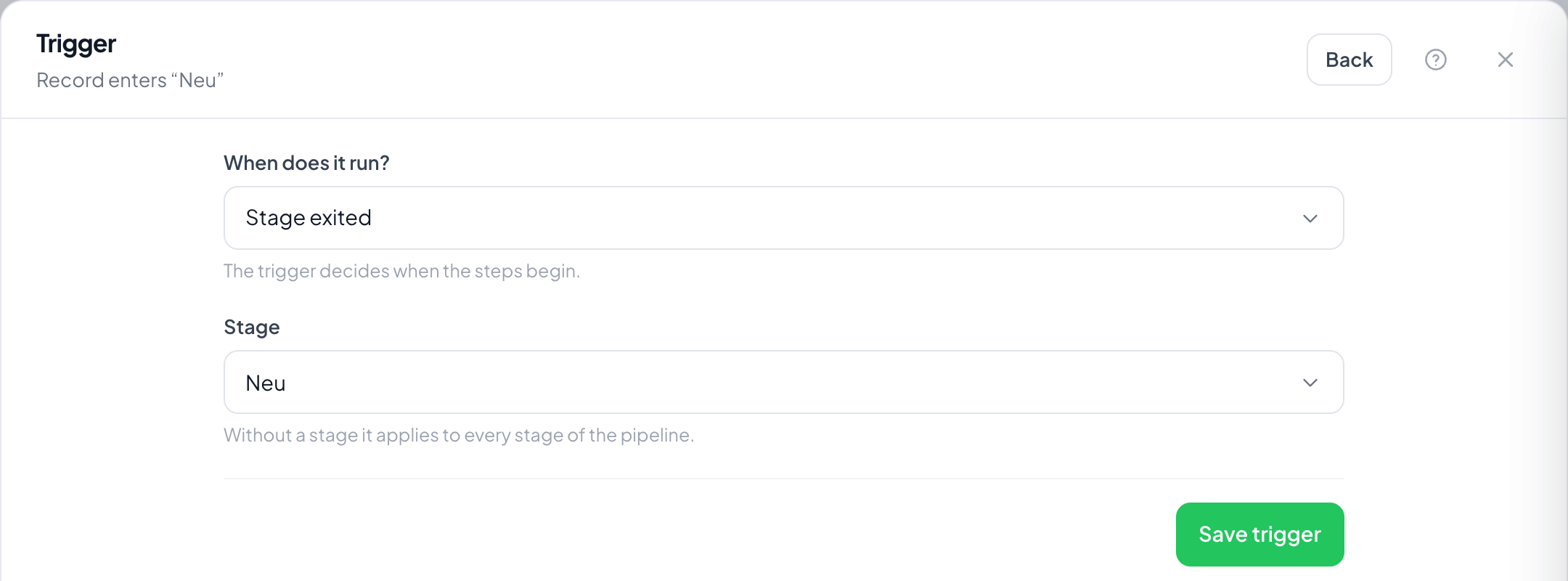
Step by step
- On the Records page open Automations through the menu at the top right, choose Create automation and take Stage left as the trigger.
- Under Stage pick the stage being left. Without a setting every change counts.
- Save the trigger and set the steps: clearing a field or sending a notification, for instance.
- Switch it on and drag a card out of the stage.
Why, when Stage entered exists?
For tidying up: clear a follow-up, close an open task, leave a note. On entering the new stage you no longer know where the record came from.
Does the run know where the record went?
Through the new stage on the record, yes: the run starts once the change has happened. A filter on the stage narrows it down.
Does it fire on archiving?
No. Archiving takes the record out of the view but does not change its stage.
And on deleting the record?
No. There is then no record left for anything to run on.