Set fields
1 min read · By Stefan Köhn
Writes one or more values into fields of the record: in one step, not three. This records what the automation decided: a marker, a calculated date, a status.
Step by step
- In the flow, choose the plus and take Set fields.
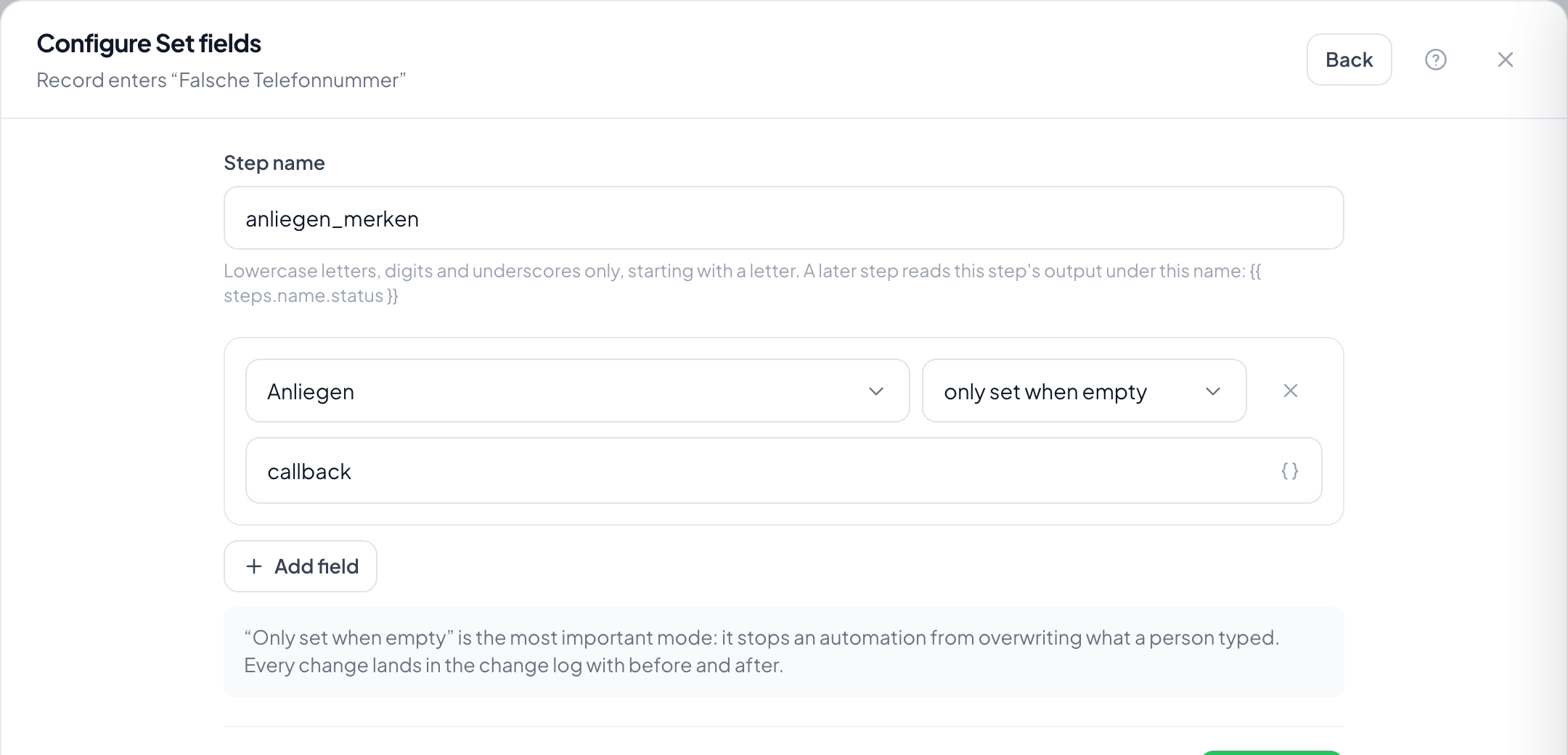
- Use Add field to create one row per field and enter the value: fixed or as a variable.
- Per row, decide whether to overwrite or to set only if the field is empty.
- Save and check on a test record that the value lands where it belongs.
How do I keep a manual entry from being overwritten?
With set only if empty. It is the mode that matters most in practice: an automation should not clear away what a colleague typed in.
Can I set several fields at once?
Yes, that is what the step is for. Each row is one field; three fields cost three rows, not three steps.
What happens with a field that no longer exists?
The step fails and the run halts. Quietly doing nothing would be worse: a skipped step looks like a finished one in the inspector.
Does setting a field trigger other automations?
Yes. The trigger Field changed also fires when the change comes from an automation. Two automations that trigger each other go round in circles.
Can I clear a field?
Yes, with an empty value in overwrite mode. In set only if empty nothing happens, because the condition is already met.