Entities: the frame your data sits in
3 min read · By Stefan Köhn
An entity describes what a record consists of. It is the first thing to exist in a new account, because everything else hangs off it: forms, lists, filters, automations and passing records to partners.
One entity, many records
The entity is the description, the record is the individual entry. You can keep several if one account runs several lines of business. Each has its own Field types, its own pipelines and its own distribution rules.
What a record is called
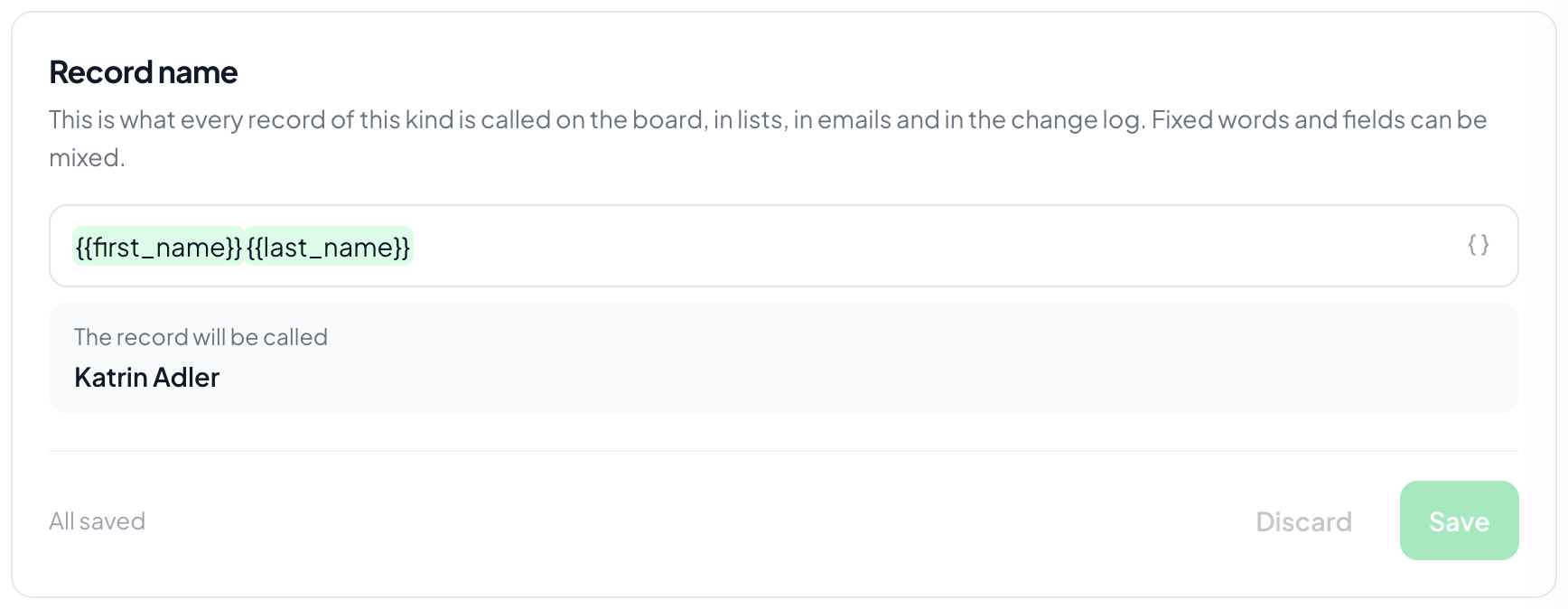
The record name decides what every record of this kind is called on the board, in lists, in emails and in the change log. It is a pattern of fixed text and fields, such as the last name, a comma and the city. You insert fields through the brace button at the end of the input, and below it you see what the newest record would be called. The pencil next to a record's name opens the same setting, with that very record as the preview. Without a pattern a record is named after its first filled searchable field.
Field groups arrange the form
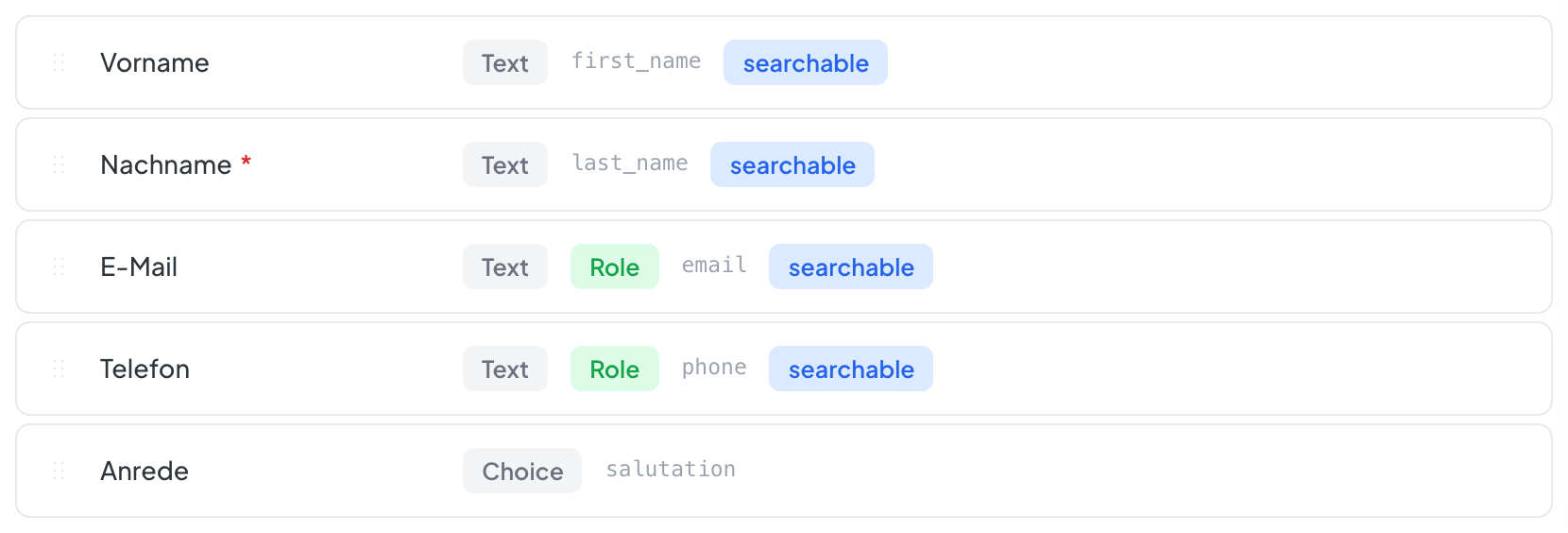
Fields can be gathered into groups, such as Contact, Enquiry, Handling. That is presentation only: for filters, automations and the API the group means nothing. For the person working the case it is the difference between a list and a form.
Archive rather than delete
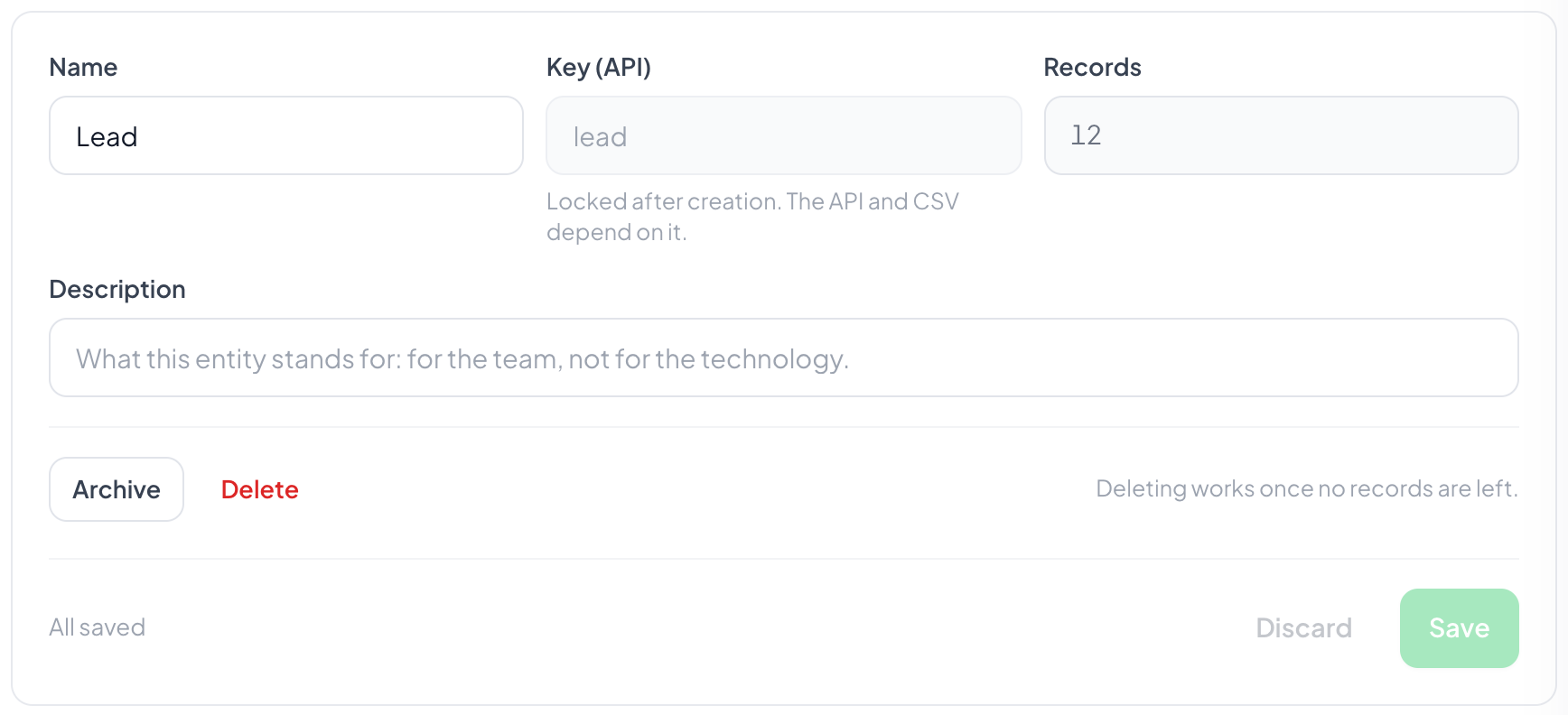
An entity you no longer need gets archived: it disappears from the picker, its records stay readable. Deleting is only possible while no record hangs off it. That is not caution, it is the only way to keep the history.
What else hangs off it
The field roles, meaning which field holds the email address, and the duplicate check, meaning what a repeated submission is recognised by. Both live in the same settings, because neither makes sense without the fields.
Step by step
- Open Settings, Entities, New entity.
- Give it a name. It appears everywhere you pick between entities.
- Create the fields and arrange them in groups.
- Under Record name, decide what a record is called.
- Set the field roles and set up the duplicate check.
Where do I decide what a record is called?
In the Record name card right below the entity's name and description. On the record itself it is quicker: the pencil next to its name opens the same setting. It always applies to every record of this kind, not just that one.
How many entities should I create?
As few as possible. Two lines of business with nearly the same fields are usually one with a select field. What belongs apart is what genuinely differs in fields, process and reporting.
Can I copy an entity?
Individual fields can be copied, and templates are offered when you create one. Duplicating a finished entity one to one is rarely what you actually want.
What happens to the records when I archive?
They stay, and can be read and exported. No new ones appear, and the API stops accepting anything for this entity.
Why can I not delete my field?
Because it is in use. The application shows you where: records holding values, automations, distribution rules. Deleting works once those are gone.
Does every entity need a pipeline?
No. Without one you get the list but no board. For a stock with no process that is exactly right, see Pipelines.