The audit trail of a delivery
2 min read · By Stefan Köhn
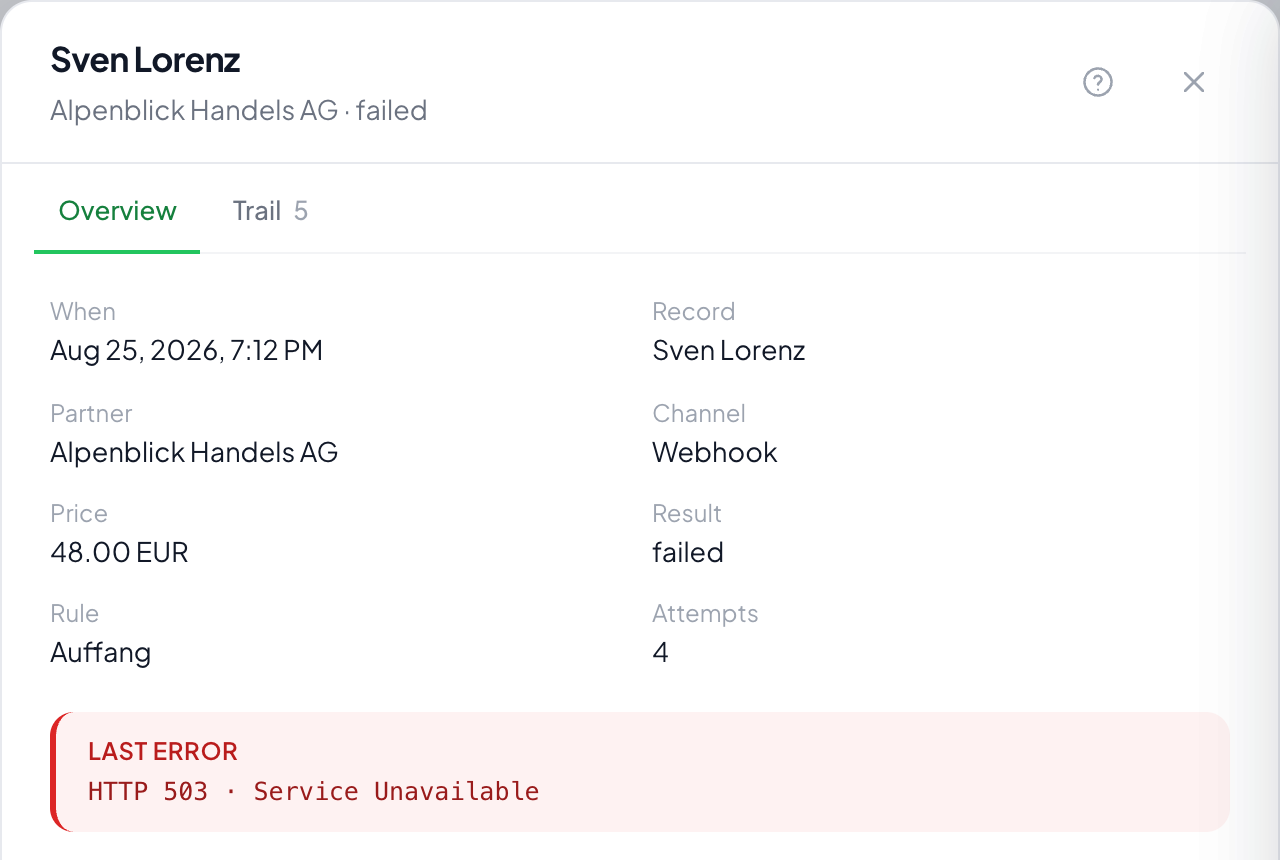
What happened to this one record at this one partner: the decision, every delivery attempt, the recipient's answer and, if it came to that, the return.
The whole path in one place
The decision, every delivery attempt with its time and answer, the recipient's reaction and, if it came to that, the return. Anyone wanting to know why a partner does not have something finds it here and not in a guess.
When a delivery counts as successful
The participation decides: for a webhook a status code, optionally plus a value at a particular place in the answer. Without that, every answer would count as success, including an error page with status 200.
The idempotency key
It goes out with every delivery and is unique per delivery. If the same message reaches the partner twice, after a retry for instance, their system recognises it and does not create anything twice.
What happens after a return
The delivery is cancelled and drops out of billing. With redistribute after return switched on, the record goes to the next fitting partner. Otherwise it stays put.
Step by step
- In the delivery list, click the row in question.
- Read the decision at the top: which rule took it, and at what price.
- Go through the delivery attempts. Each one carries the recipient's answer verbatim.
- Return it if the reason holds and the deadline has not passed.
What decides whether a delivery counts as successful?
The status code of the answer: and, if a success criterion is configured for the partner, the content of the answer as well. Some systems answer with 200 and put the error into the text; that is exactly what the criterion is for.
What is the idempotency key?
An identifier that stays the same across all attempts. The partner uses it to recognise that this is the same delivery and does not create the record twice on a retry.
A partner calls to say the record was unusable. What do I do?
You return it here, with a reason and a note about who reported it. That is the same path the partner takes in the portal and it produces the same credit note: only the record shows that the report came by phone.
What happens to the record after a return?
If the distribution has "redistribute after a return" switched on, it is offered to the next partner. Whoever already had it is not asked again.